
Customer portal and API
Fewer 'where is my cargo' emails.
Your customers book shipments, accept quotes, follow milestones and download released documents in a portal with your branding, or connect their own systems by API.
In the portal
Self-service that still feels like you.
Book in any mode
A request wizard for air, ocean, road, rail and parcel shipments.
Photo invoice intake
Upload a photo or file of the commercial invoice and the details are read for review.
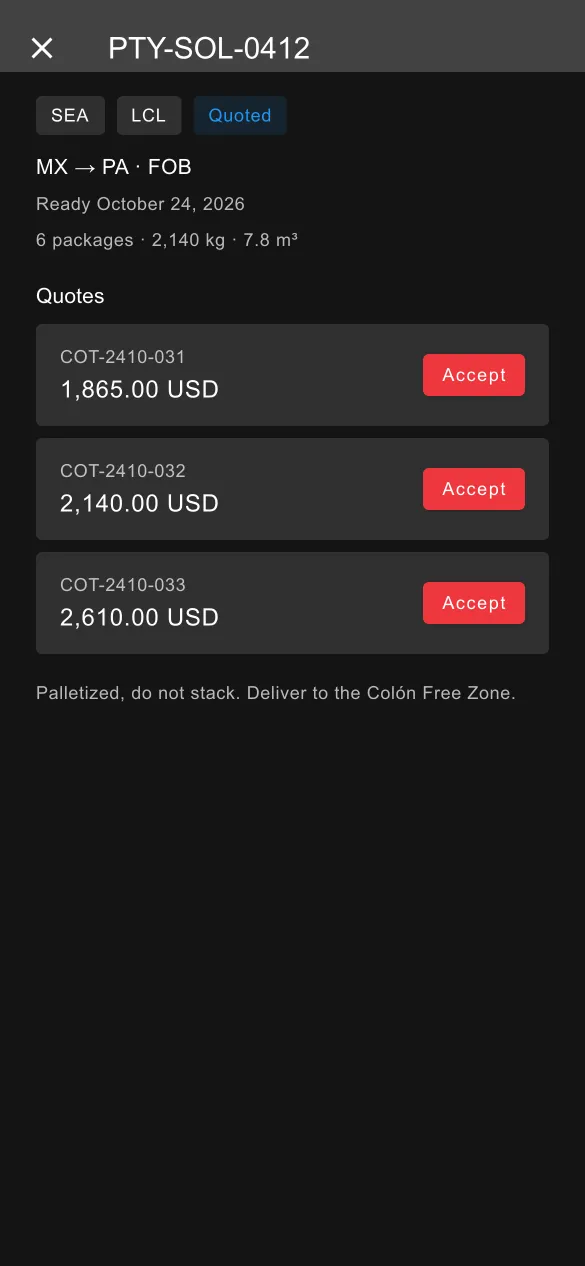
Accept quotes
Customers choose between your quote options and accept online.
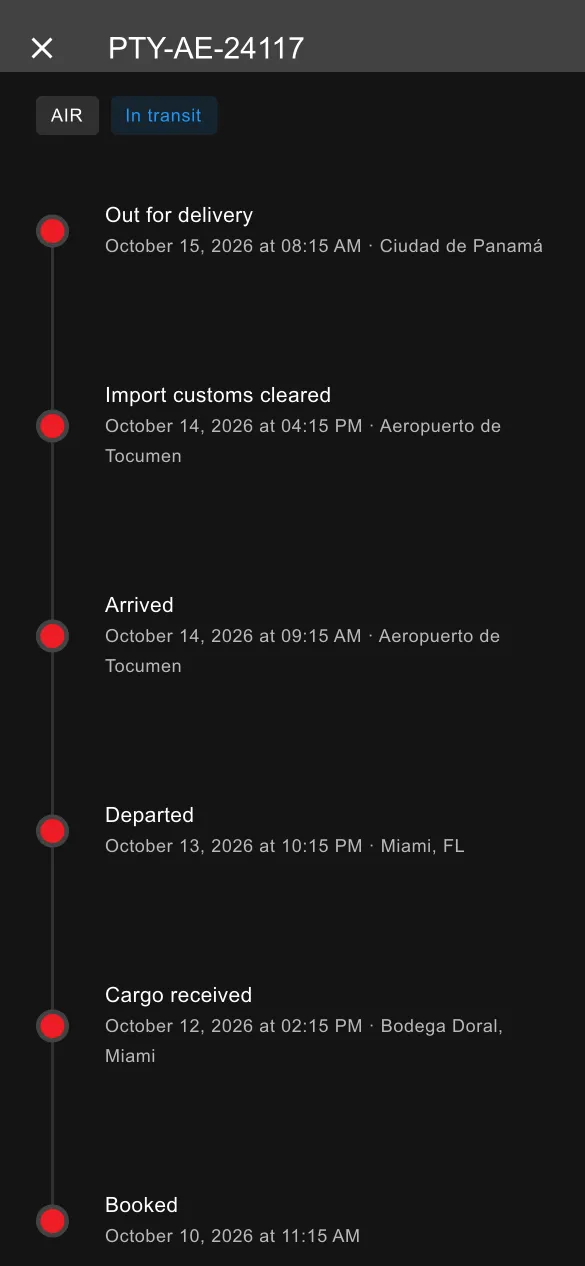
Live timeline
Every milestone on every shipment, as your team records it.
Documents
Download the documents you release to them, when you release them.
Issues
Raise an issue on a shipment and keep the conversation on the record.
API
Connect their systems, not just their inbox.
Customers create their own API keys in the portal and get documentation for booking and tracking. Other systems can also push tracking events by your reference.
GET /api/shipments
Authorization: Bearer <customer-api-key>

200 OK
[{ "reference": "CB-24187", "mode": "ocean",
   "status": "departed", "eta": "2026-10-28" }]
Illustrative. The full reference is in the portal for each customer.
Questions, answered
Is the portal branded as my company?
Yes. The portal and the customer notification emails carry your company's branding.
Is there an app for my shippers?
Yes, the Cargobridge app for iPhone is in testing. Today, customers use the portal on any device.
Move your next shipment with Cargobridge.
Cargobridge opens by invitation. Request early access and tell us about your operation.